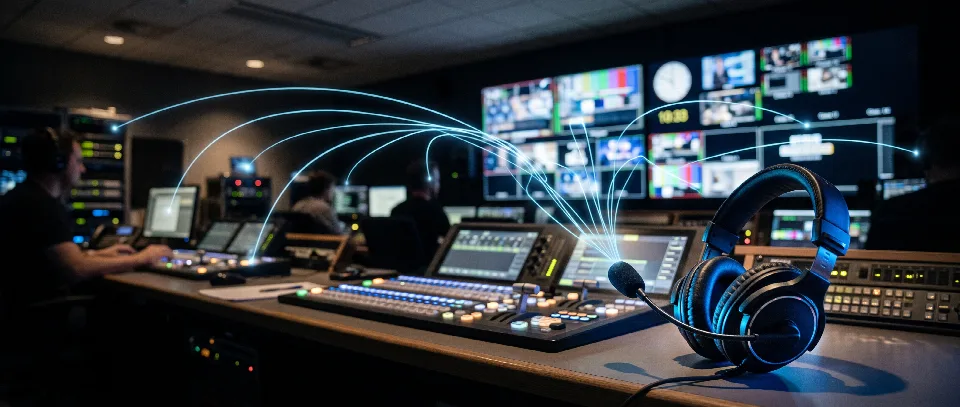
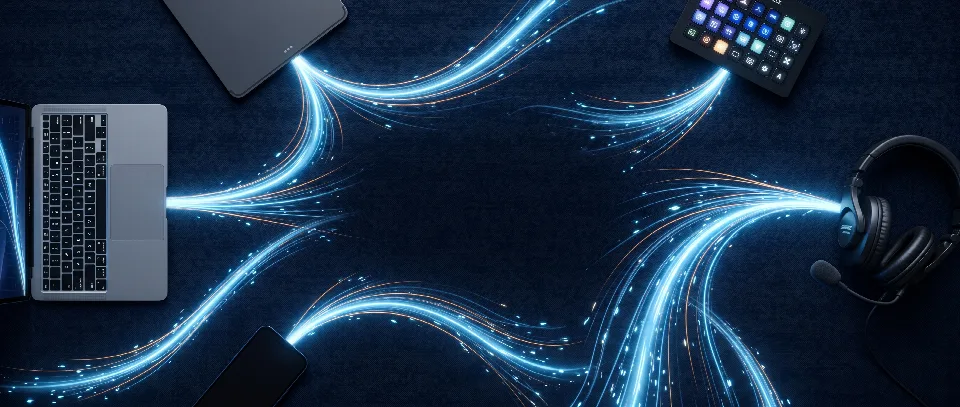
A headset on the director’s desk in front of the monitor wall

Software intercom matrix

Press the key.
The crew hears you.

Intercom for the whole crew: director, camera operators, sound engineer. It runs in the browser on PCs, tablets and phones, with nothing to install on them. The server sends everyone their own mix, and every setting changes live, without a restart.

Director Connected

Features

Wonderfully simple. Exactly as much as you need.

One key talks, one key listens, one glance shows who is talking to you. Everything behind it – routing, mixing, the network – is the server’s job.

  • The panel

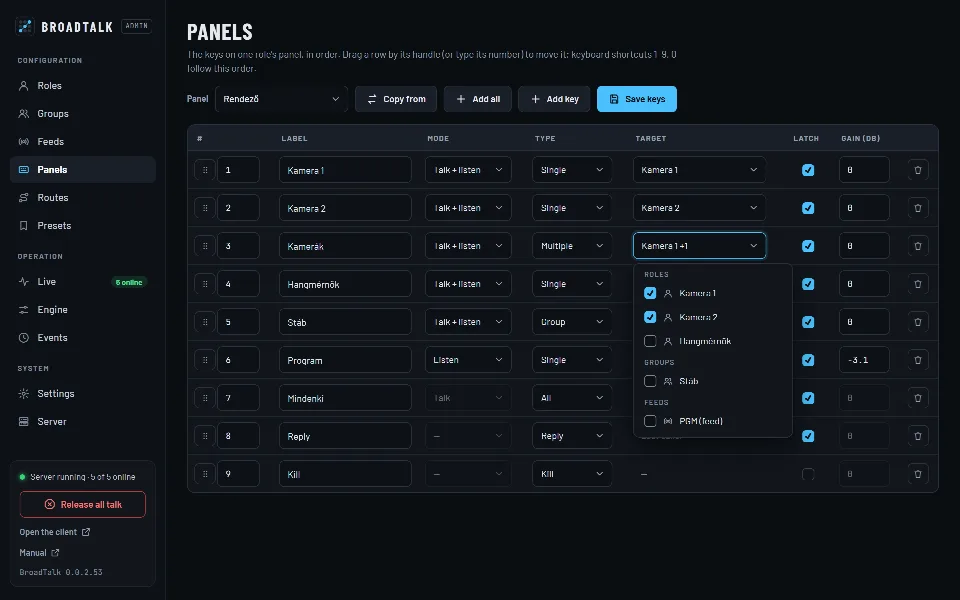
    Talk on a tap or while held, listen, tally, call, Reply and Kill – on big, legible keys, on a phone too.

  • Setup and monitoring

    Roles, groups, keys, fixed routes and presets in a password-protected admin. Every change applies at once.

  • Audio

    Program feeds, priority and ducking, input gain, noise gate and an adaptive jitter buffer – all adjustable.

  • External control

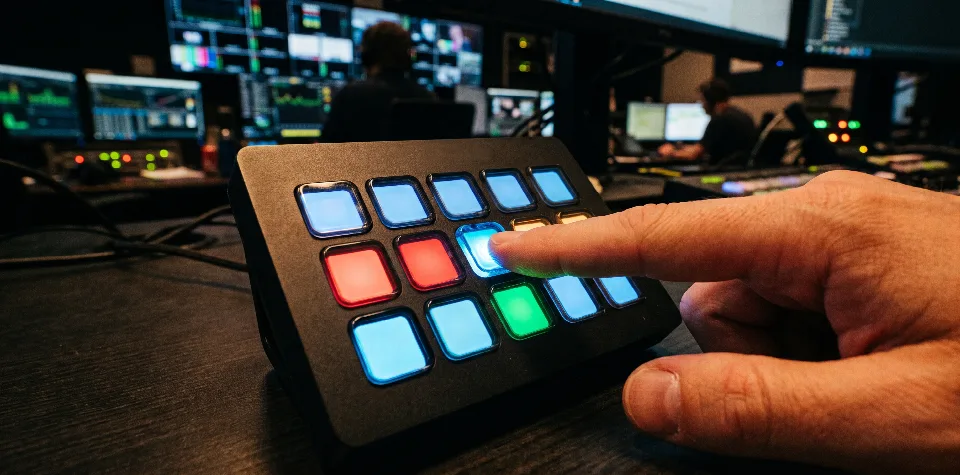
    A Stream Deck plugin, an HTTP API with tokens and OSC: press keys, mute, call, load presets, set ON AIR.

  • Installation and network

    One Windows setup, its own HTTPS certificates, LAN or internet, one-click updates.

  • Specifications

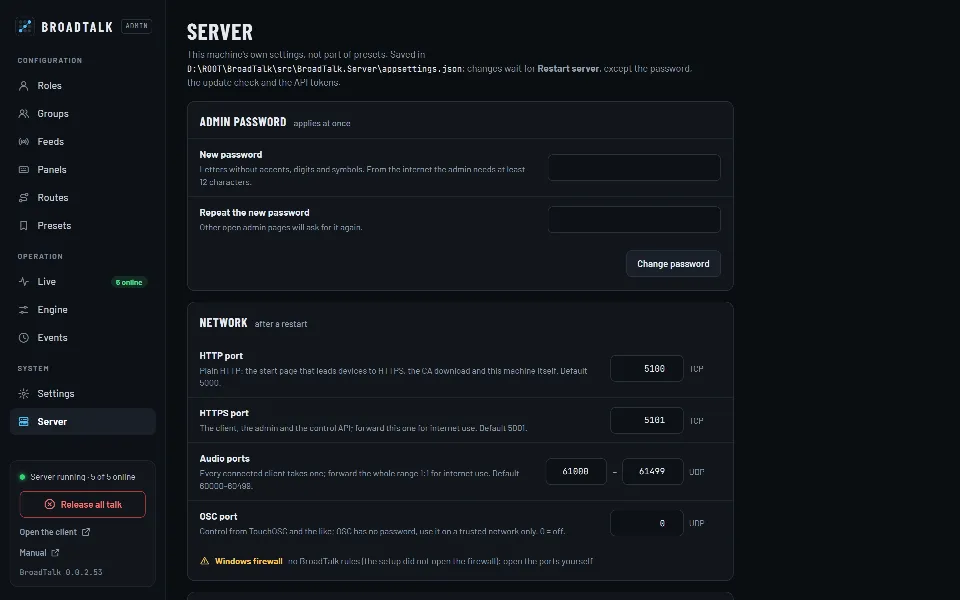
    Every adjustable parameter with its default and range, measured latency, ports and limits – on one page.

    Learn more

How it works

One server. A mix of their own for everyone.

Every client has a single audio connection to the server. Every 20 milliseconds the server mixes what each person is listening to and sends everyone their own mix. The admin page and external controllers only send commands.

Clients: send and receive audio

Director · PC
Camera 1 · tablet
Camera 2 · phone
Sound engineer · PC
PGM · feed
BroadTalk mixing, routing and tally, every 20 ms

Controllers: commands only

Admin page
Stream Deck
HTTP API
OSC
  • 1
    Nobody hears themselvesYour own voice never comes back in your mix.
  • 2
    Nothing to answerWhen someone talks to you, you hear them at once.
  • 3
    Everyone is heard onceWhoever reaches you on several paths is heard once, at the loudest setting.

One show with the crew

From setup to the credits.

This is how a live show runs on BroadTalk. Every step is one press of a key.

  1. 1PRESET
    News
    Preset loaded

    Setup: one preset, everything in place

    The engineer loads the “News” preset: roles, groups, keys and routes are back exactly where they were last week, in one click.

    Setup and monitoring
  2. 2L
    Program
    Feed · Online
    LISTEN

    Sound check: the program on the line

    The PGM feed comes from a computer’s line input. The sound engineer always hears the director on a fixed route and switches the program on with a Listen key.

    Audio
  3. 3T
    Everyone
    All-call
    TALK

    On air: the director speaks, everyone hears

    One tap on the All key and the director talks to the whole crew. As a priority talker, everything else dips under the voice.

    The panel
  4. 4T+L
    Camera 2
    Calling you

    Call: a camera operator signals

    Camera 2 calls the director: a sound, a banner and a flashing key. When it talks, its key shows an amber frame and its name.

    The panel
  5. 5R
    Reply
    To Camera 2

    Reply: answer in one move

    The Reply key always answers whoever last talked to you directly. No hunting for the right key.

    The panel
  6. 6KILL
    Kill
    Releases all talk

    Wrap: Kill, and silence on the line

    After the show one Kill releases every talk key left on – from a panel, the admin or a Stream Deck key.

    External control

Up close

This is what it looks like at work.

The panel

One glance and you know what’s going on

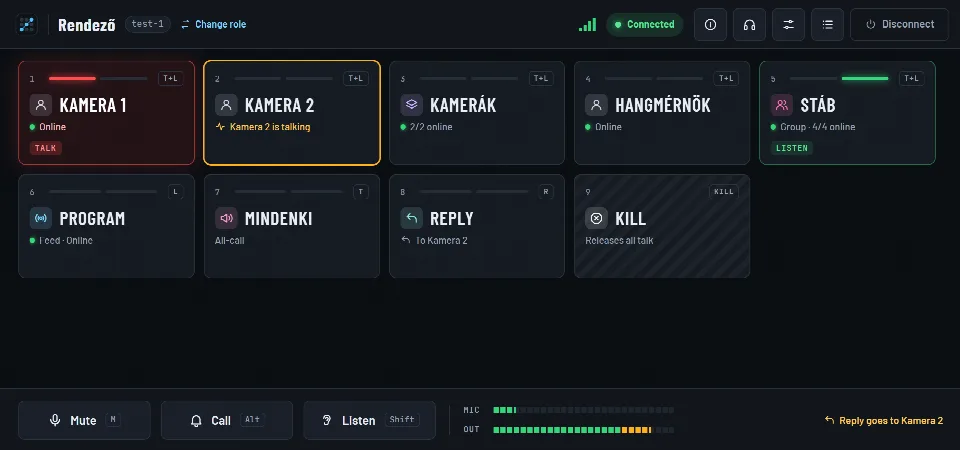
Every key shows who it talks to, who is online and what is going on: red is talk, green is listen, amber when someone talks to you. The keys never move – what your hand has learned stays where it is.

  • A tap latches, a hold is momentary
  • Tally with the talker’s name
  • Shortcuts: 1–9, Shift, Alt, M
Learn more
The BroadTalk panel: the director talks to Camera 1, Camera 2 is talking to the director, the Crew group is being listened to

The panel

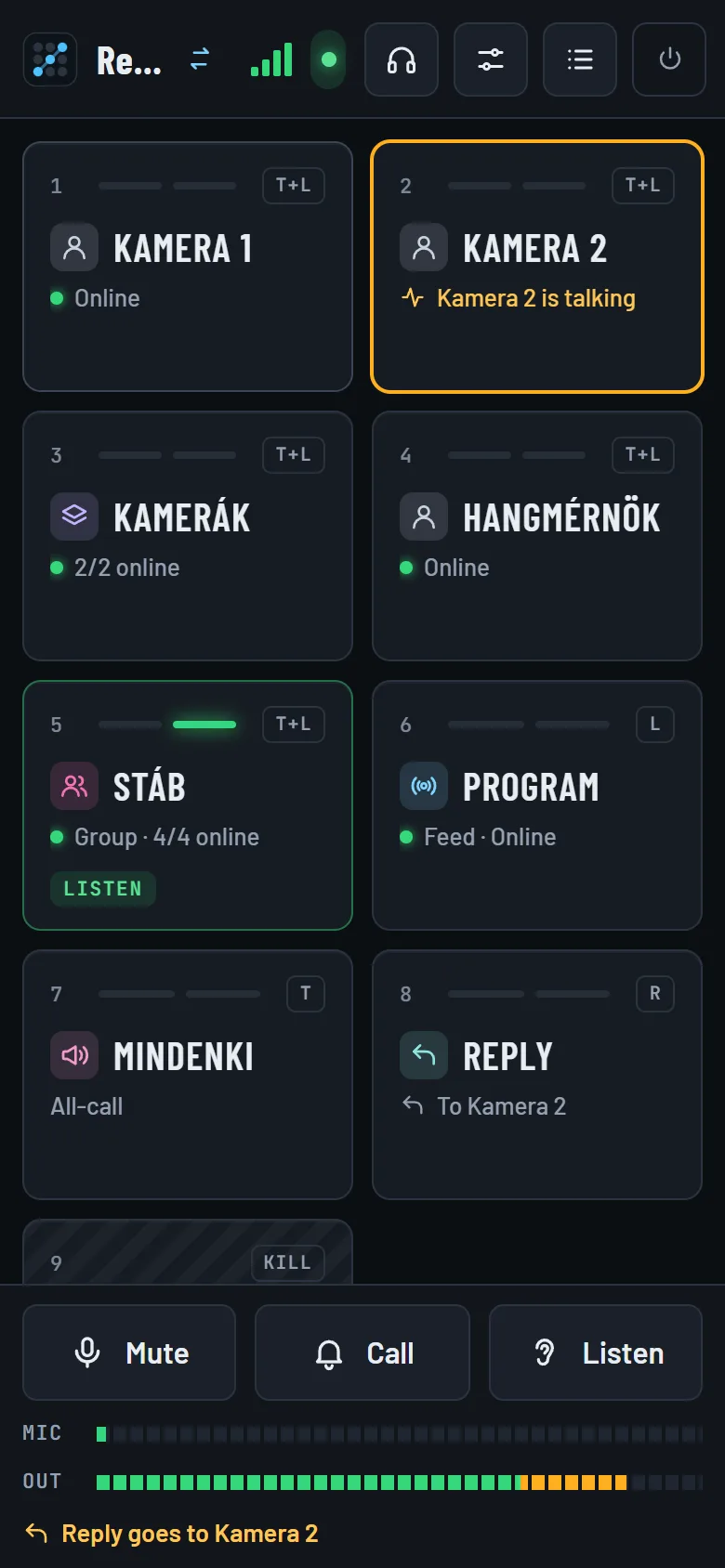
The panel in your pocket

The same panel on phones and tablets. Put it on the home screen; the screen stays on while connected, and an incoming call vibrates where the device can.

  • Chrome and Edge, nothing to install
  • Scrolling keys, a fixed bottom bar
  • A PIN per role
Learn more
The BroadTalk panel on a phone

Setup and monitoring

See who talks to whom

The admin’s Live view is a crosspoint matrix: talkers in columns, listeners in rows, green where audio is flowing right now. One click closes an open path.

  • Updates twice a second
  • Fixed routes, feeds and priority marked
  • Connection quality per role
Learn more
The live crosspoint matrix: talkers in columns, listeners in rows

Specifications

Simple on the surface. Tunable underneath.

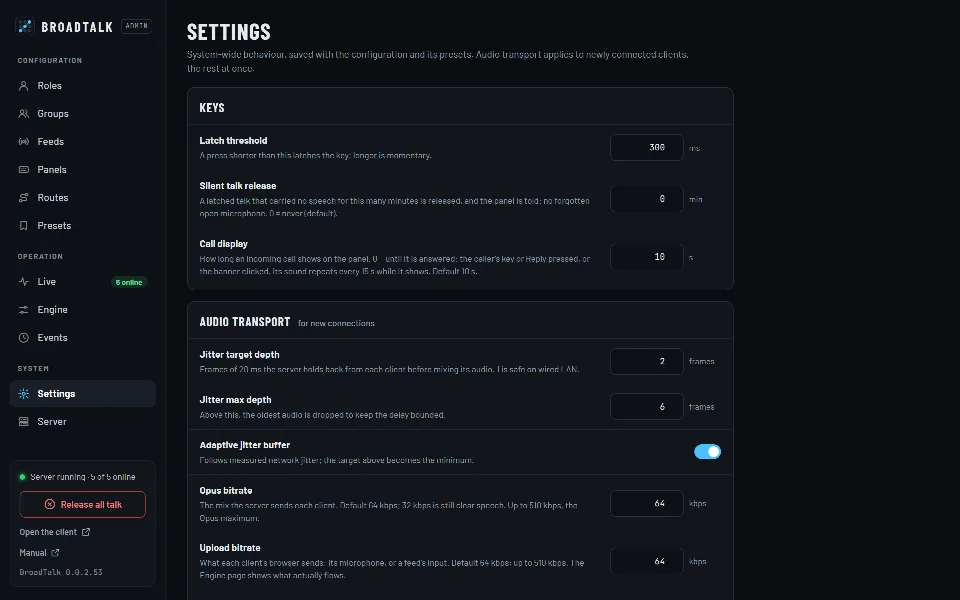
Operators see keys; engineers can set everything: bitrate in both directions, the jitter buffer, the gain range, noise gate, speech threshold, ducking and latch threshold. A preset saves these too.

Measured: 31.6 ms through the server (median, default settings). Mouth to ear on a wired LAN is about 90–120 ms.

All parameters
ParameterValue
Codec
Opus · 48 kHz · mono
Frame
20 ms
Bitrate down and up
6–510 kbps · 64
Jitter buffer
1–10 frames · adaptive
Gain range
−48…+24 dB
Noise gate
−80…−10 dBFS
Priority and feed ducking
0–40 dB
Latch threshold
50–2000 ms · 300

Security

Only those who may, talk.

  • A PIN per role

    Any role can have a PIN. After five wrong tries that device has to wait a minute.

  • HTTPS of its own

    Every installation creates its own certificate authority (BroadTalk CA), installed once on the clients. A company certificate works too.

  • Stricter from the internet

    From outside only roles with a PIN may connect, the admin password needs at least 12 characters, and repeated failed logins lock the address out.

  • When a connection drops

    On a short drop the latched keys are kept for 10 seconds, then everything is released. No microphone stays open.

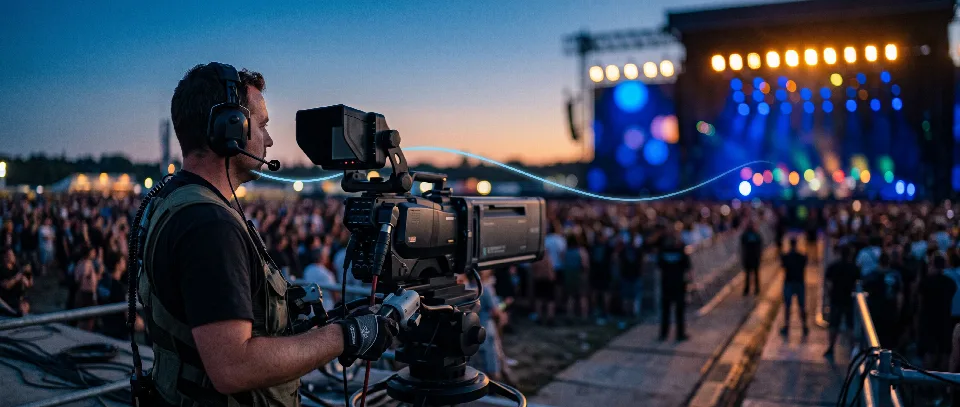
A camera operator with an intercom headset at an evening concert

For the crew

Nothing to learn.

Anyone who has seen an intercom panel finds their way in the first minute: keys with names, red is talk, green is listen. For everyone else, one sentence will do: press it and talk.

Installation

Three steps and you’re on.

One Windows machine is the server, everything else is a browser. No internet needed: BroadTalk is complete on the local network.

  1. 1Setup on the serverThe wizard asks for the admin password, the ports and, if needed, the internet name, then opens the firewall.
  2. 2Certificate on the clientsEach device installs the BroadTalk CA once; the start page guides you through it.
  3. 3Open the addressOpen the server’s address in a browser, pick a role and talk.

Frequently asked questions

Do operators need to install anything?

No. The panel runs in Chrome or Edge on PCs, tablets and phones. Each device installs the server’s certificate (BroadTalk CA) once, so that the browser allows the microphone; the start page walks you through it.

What is the latency?

The measured path through the server is 31.6 ms (median, default settings). Mouth to ear on a wired LAN is about 90–120 ms, depending on the jitter buffer setting and the browsers.

How many operators can work at once?

In a load test 32 clients talked to everyone at the same time (992 open paths); all stayed connected with no decoding errors. Above eight connections the server spreads the codec work across CPU cores.

Does it work without the internet?

Yes. BroadTalk is complete on the local network and loads nothing from the internet: fonts, icons and the manual are all served by the server.

Can it be used over the internet?

Yes. With a public name and certificate, colleagues can connect from outside without STUN or TURN servers: forwarding one TCP port and one UDP range is enough. From outside only roles with a PIN may connect.

What does the server run on?

Windows. A single setup brings the program with its runtime; the program goes to Program Files, its data (settings, presets, logs, certificates) to ProgramData, and updates keep them.

Can a Stream Deck or another device control it?

Yes. The bundled Stream Deck plugin mirrors the panel’s keys with live state. Over HTTP (with an API token) and OSC, any device or script can press keys, mute, call, load presets and set ON AIR.

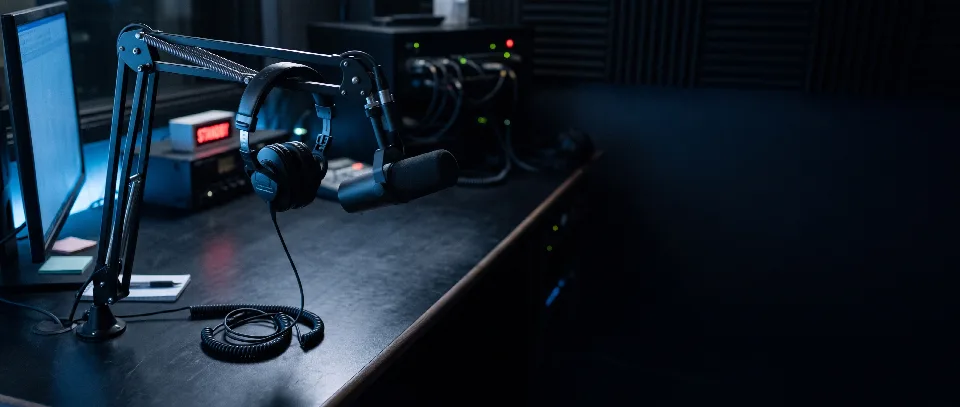
A headset on a microphone stand in the studio at night

Contact

Let’s talk.

Questions, a demo, or a trial in your own studio? Write or call, and we’ll show you how BroadTalk fits the way you work.