External control

Keys under your fingers, not just on screen.

The bundled Stream Deck plugin puts the panel’s keys on hardware buttons with live state. Over HTTP and OSC any controller or script can talk, listen, call, mute, load presets and set ON AIR.

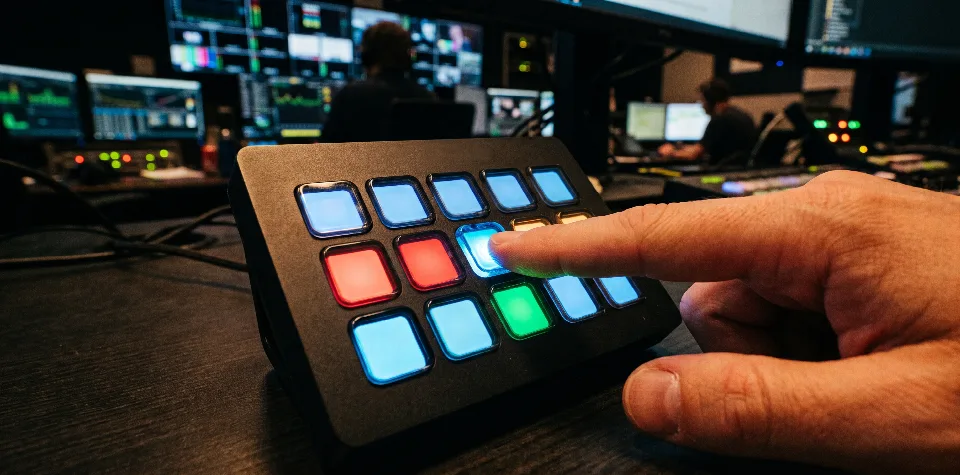
A hardware keypad with keys glowing blue, red and amber

Sound familiar?

  • “You can’t run a camera and an intercom with one mouse.
  • “The vision mixer knows who is on air – the crew doesn’t.
  • “Every controller would need the admin password.

01

Stream Deck: the panel’s keys you can touch

Five actions: Panel key, Listen, Call, Mute and Kill all talk. A button shows the role’s name, the label and the state, refreshed every half second: red when talking, a green stripe when listening, flashing amber when someone talks to it.

  • By position or by target
  • Follows changes in the admin
  • Stream Deck 7.1 or newer
A director’s Stream Deck: talk, tally, listen, call, mute and Kill.

02

HTTP API: one address, one key press

Every action is a URL. GET and POST both work, because many button controllers can only send GET. The token goes in the header or the address; the answer is an empty success or a clear error.

  • A token per device
  • State as JSON for feedback
  • Releasing a key always succeeds
HTTP
# Press and release the Camera 1 key
POST /api/control/endpoints/test-1/keys/0/down
POST /api/control/endpoints/test-1/keys/0/up

# A short press with one address, from a browser too
GET  /api/control/endpoints/test-1/keys/0/press?token=bt_…

# A preset, ON AIR, release all talk
POST /api/control/presets/News/load
POST /api/control/endpoints/test-2/onair/on
POST /api/control/kill

# State for key feedback (JSON)
GET  /api/control/endpoints/test-1/state

03

OSC for studio controllers

The same actions over OSC on UDP. Press and release travel as an argument, so an OSC button can send both to one address. It works without a password, so it is off by default: it belongs on a trusted local network.

  • Key, listen, call, mute
  • Load a preset by name
  • ON AIR tally from the vision mixer
OSC
/broadtalk/endpoints/test-1/keys/0   1      # down
/broadtalk/endpoints/test-1/keys/0   0      # up
/broadtalk/endpoints/test-1/keys/2/call     # call
/broadtalk/endpoints/test-1/mute            # toggle
/broadtalk/endpoints/test-2/onair    1      # on air
/broadtalk/presets/load   "News"
/broadtalk/kill
  • API tokens

    Every device gets its own token, revocable one by one; a token opens control only, never the settings.

  • ON AIR tally

    A vision mixer or a script marks who is on air: the role’s panel shows a red ON AIR.

  • Always up to date

    Rearrange the keys in the admin and the Stream Deck follows by itself.

  • Just like the panel

    Every command acts as if pressed on the panel: it latches, the lamp lights, it goes into the log.

Step by step

A Stream Deck in five minutes

  1. 1A token on the admin’s Server page
  2. 2Double-click the plugin
  3. 3Deck role: the Stream Deck’s role
  4. 4Buttons from the BroadTalk category
  5. 5Enter the address and the token

Control opens no door to the settings.

The control API works with tokens only and doesn’t even accept the admin password. A token can press keys, mute, call and load presets; if a device goes missing, its token is revoked in one click. From the internet, repeated bad tokens lock the address out.

What you can control

  • Down and up
  • Short press
  • Listen
  • Call
  • Mute
  • ON AIR
  • Load preset
  • Kill
  • State

Frequently asked questions

What can control it?

Anything that can send an HTTP request or an OSC message: a Stream Deck with the bundled plugin, button panels, vision mixer scripts, your own programs. A request may be a GET, since many button controllers can only send that.

What if the role’s panel is not connected?

Key, listen and call act only on a connected panel; otherwise the answer is 409 and the Stream Deck button shows a warning. Mute and releasing a key always work, so nothing gets stuck.

Is OSC safe?

OSC works over UDP without a password, so it is off by default and recommended only on a trusted local network. Where that isn’t enough, the HTTP API does the same with a token over HTTPS.

  • Setup and monitoring

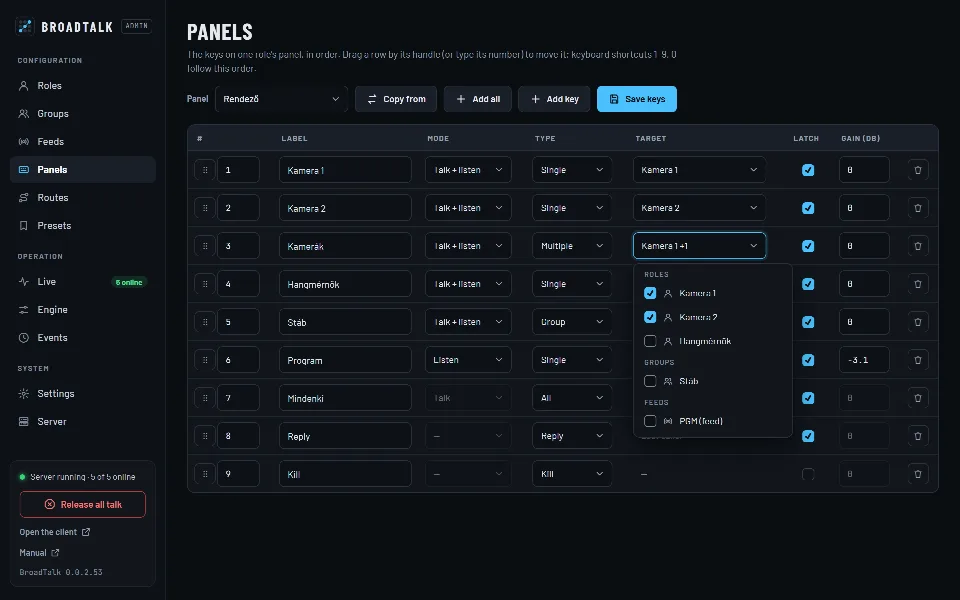
    Roles, groups, keys, fixed routes and presets in a password-protected admin. Every change applies at once.

  • Installation and network

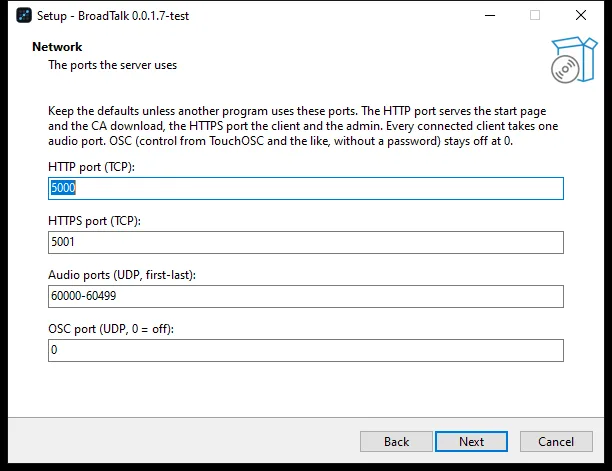
    One Windows setup, its own HTTPS certificates, LAN or internet, one-click updates.

A headset on a microphone stand in the studio at night

Contact

Let’s talk.

Questions, a demo, or a trial in your own studio? Write or call, and we’ll show you how BroadTalk fits the way you work.